
Best AI Simulation Tools for FEA, CFD and Engineering Analysis
Compare AI simulation tools for FEA, CFD, surrogate modeling and physical testing. Learn what each tool does, what data it needs and what engineers must still validate.


The best AI simulation tool depends on the task. Ansys SimAI, Altair PhysicsAI and Siemens Simcenter PhysicsAI predict results from existing simulation data. SimScale combines conventional cloud-based finite element analysis (FEA) and computational fluid dynamics (CFD) solvers with trained AI models. Monolith applies machine learning to physical testing. None universally replaces validated FEA, CFD or physical testing.
For a broader look at artificial intelligence across the mechanical-engineering workflow, see CoLab’s guide to AI tools for mechanical engineers.
What counts as an AI simulation tool?
AI simulation software applies machine learning to a defined part of an engineering-analysis workflow. It may predict a result, assist with simulation setup, guide design-space exploration or learn from physical-test data.
That is different from traditional numerical simulation. FEA, CFD, thermal, electromagnetic and multiphysics solvers calculate results from governing equations and numerical methods. Engineers still define the geometry, materials, mesh, loads, constraints, boundary conditions and solver settings.
The main categories include:
- AI surrogate models: Learn from previous simulation or test results and predict outputs for new inputs within a defined design space.
- Reduced-order models: Create faster representations of high-fidelity models for system simulation, controls, monitoring or real-time prediction.
- Simulation assistants: Help with geometry preparation, meshing, setup, troubleshooting, post-processing or documentation. An LLM answering a question is not performing the underlying engineering analysis.
- Simulation-driven optimization: Uses repeated analyses, design of experiments or optimization algorithms to explore alternatives. A machine-learning surrogate may replace some of the most expensive solver evaluations.
- AI-assisted physical testing: Uses experimental data to recommend test points, detect anomalies, calibrate models or predict behavior.
Cloud delivery is not AI by itself. Running a conventional CFD solver through a browser may improve access and computing capacity, but the underlying analysis remains conventional numerical simulation.
Generative design is also a related but separate category. It creates or modifies geometry in response to objectives and constraints, while simulation evaluates how that geometry performs. CoLab’s guide to generative design tools examines that category in more detail.
Best AI simulation tools by use case
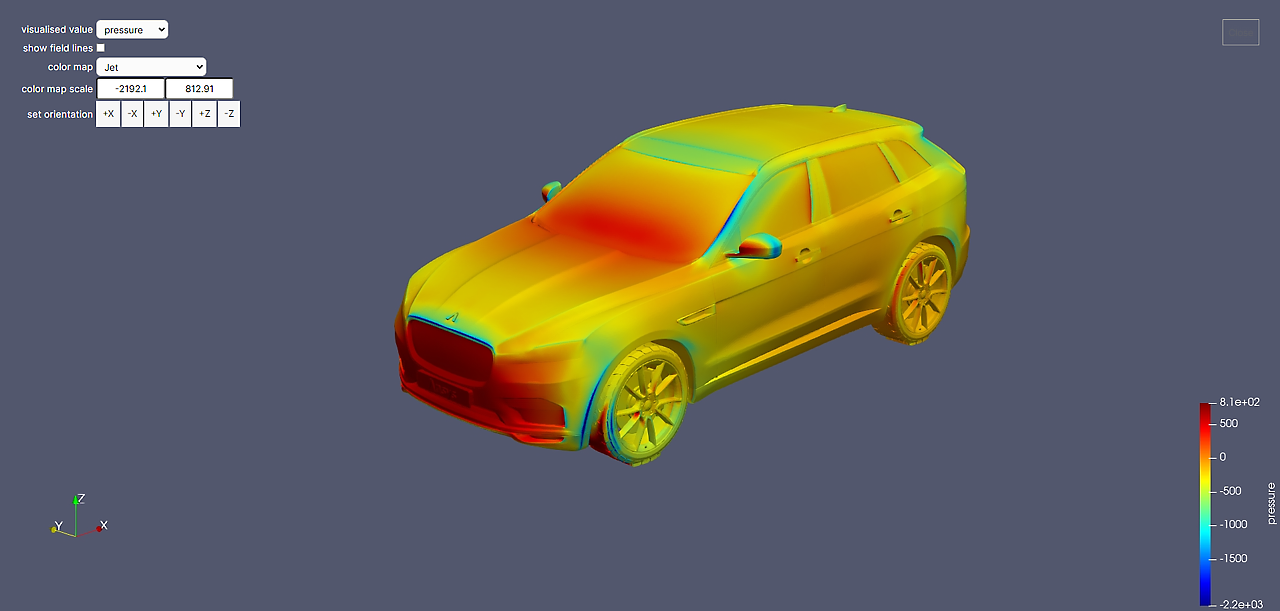
Ansys SimAI: Best for prediction from previous 3D simulations
Ansys SimAI trains machine-learning models using previous three-dimensional simulation results, then predicts physical fields and calculated performance measures for new geometries and operating conditions.
The 2026 portfolio includes SimAI Pro, a desktop application for local training and prediction using workstation GPUs, and SimAI Premium for larger cloud-based workflows. SimAI Pro supports local simulation data, scalar boundary conditions or parameters, field inputs and new STL or VTP geometry. It also creates model-evaluation reports and confidence scores for individual predictions.
Best fit: Teams that repeatedly analyze related components and already have an archive of three-dimensional simulation results.
What data it needs: Simulation results that represent the geometry, loads, boundary conditions and operating range in which the model will be used.
Where conventional simulation remains: The original FEA, CFD or multiphysics solver is still needed to generate training data and verify final candidates, unfamiliar geometry and designs near an engineering requirement.
Main limitation: SimAI can produce a prediction for geometry that differs from its training data. Engineers must review the confidence score, identify gaps in the dataset and add high-fidelity simulation cases where necessary. Ansys specifically recommends adding training data in regions where prediction confidence is low.
SimScale: Best for cloud simulation and AI prediction in one environment
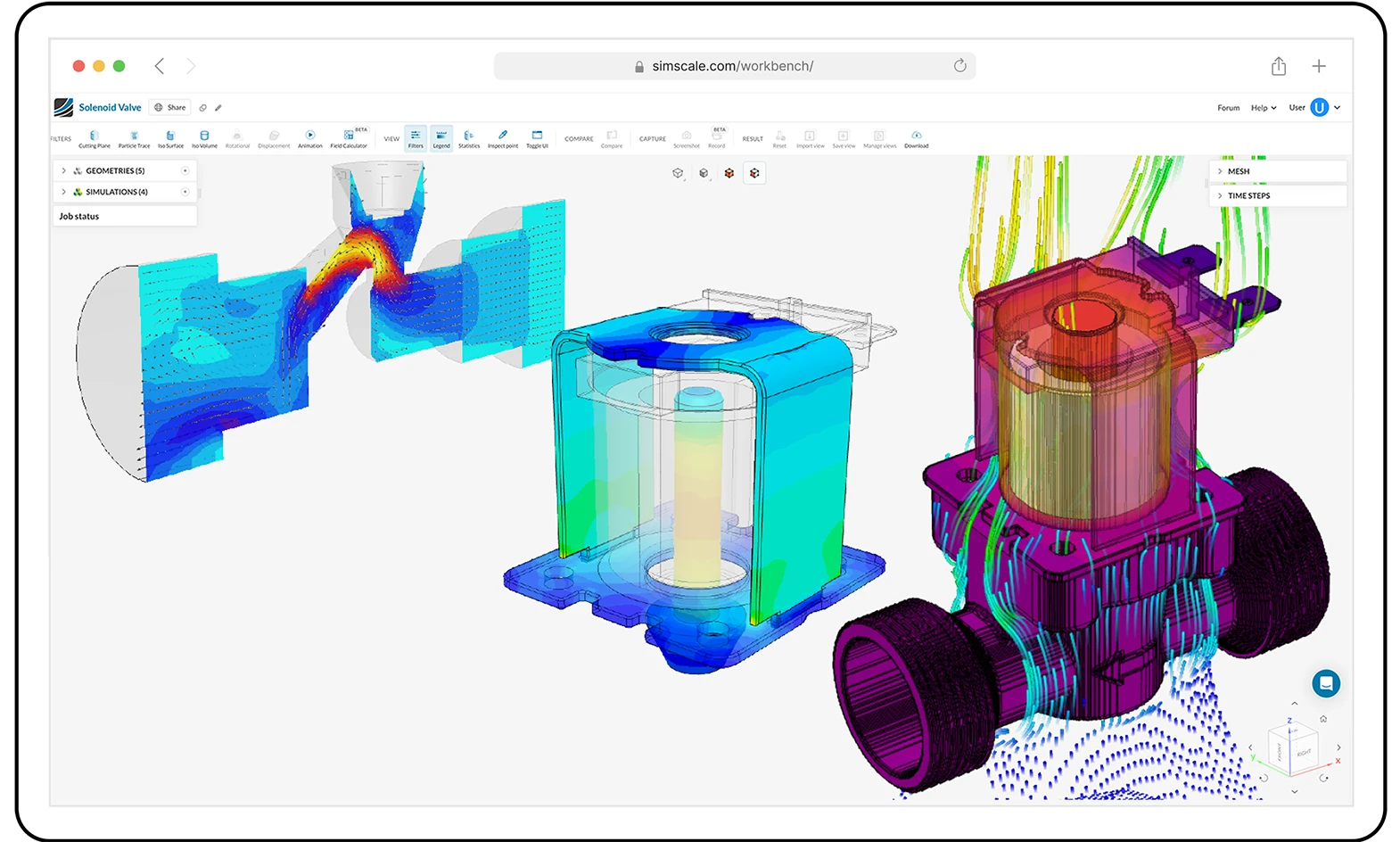
SimScale combines browser-based numerical simulation with Physics AI model training. Engineers can run FEA, CFD or thermal studies, select completed simulations as training data and apply the resulting model to new geometry and operating inputs.
Current documentation lists incompressible flow, static linear structural analysis, conjugate heat transfer, immersed-boundary conjugate heat transfer and multipurpose analysis among the supported AI-training workflows. At least 20 completed simulation runs are required to train a model, and all runs used for one model must come from the same analysis type.
Best fit: Teams that want numerical solvers, managed cloud compute and trained AI predictions in the same environment.
What data it needs: Completed SimScale simulations containing enough variation in geometry and boundary conditions to represent the intended design space.
Where conventional simulation remains: SimScale’s numerical solvers generate the training data and remain available for high-fidelity verification. Cloud access makes those analyses easier to run and scale, but cloud infrastructure is not itself the AI capability.
Main limitation: The 20-run minimum is a software requirement, not a general measure of engineering reliability. A dataset can meet the minimum while failing to represent important geometry, load cases or operating limits.
Altair PhysicsAI: Best for geometry-aware models built from CAE data
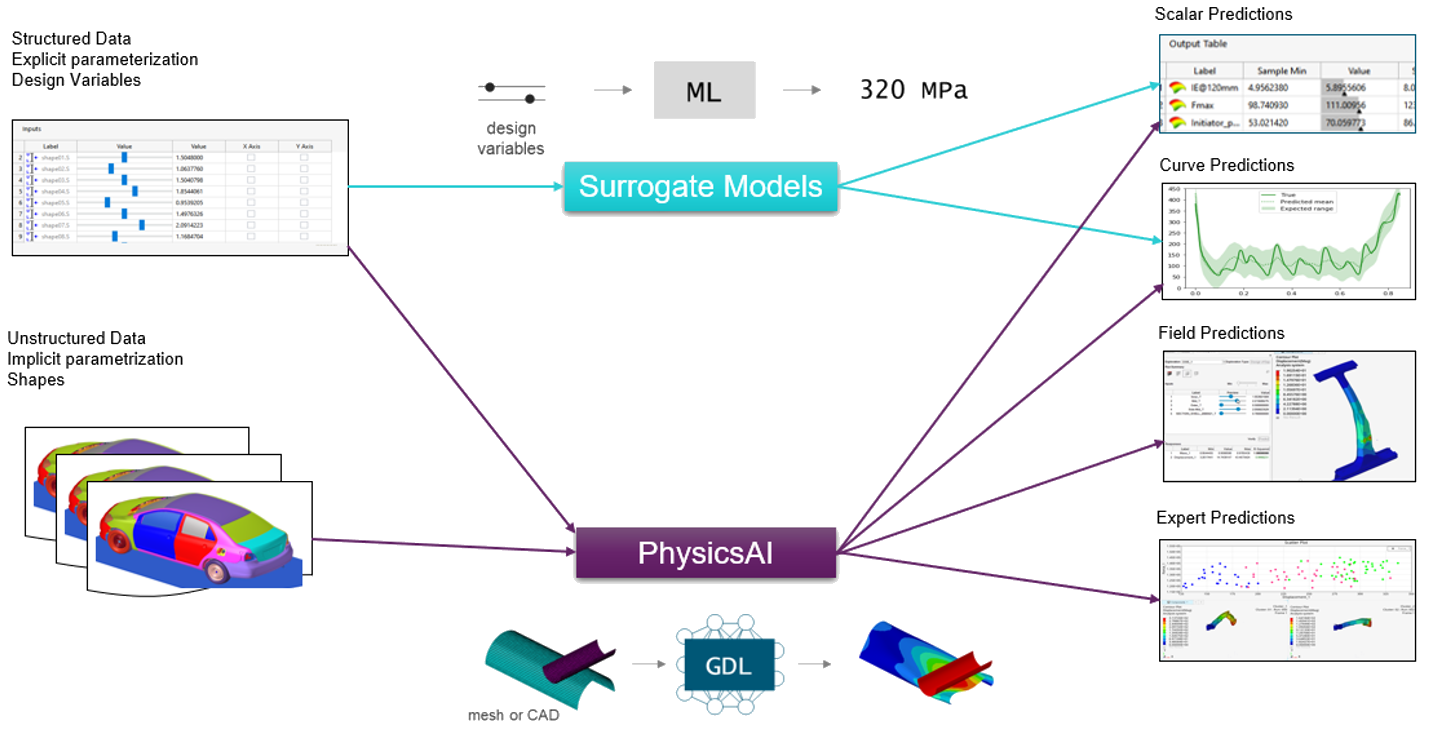
Altair PhysicsAI uses geometric deep learning to create predictive models from existing CAE data. It can combine geometry with non-geometric inputs such as thickness, materials, loads and boundary conditions, then predict complete three-dimensional fields, scalar outputs, vectors or curves.
Unlike a conventional response surface, PhysicsAI does not require engineers to define a fixed set of dimensional design variables. It can be trained on simulation data involving different meshes, shapes or topology.
Best fit: CAE teams with accumulated simulation data that need rapid predictions across related geometry families.
What data it needs: Previous simulation results and the associated geometry, materials, loads, boundary conditions and outputs.
Where conventional simulation remains: The FEA, CFD or other CAE solver still generates the reference data and validates important predictions.
Main limitation: Altair states that predictions are most accurate when the new design resembles the designs used during training. Its similarity score indicates how close a new geometry is to the training population, but the score does not replace engineering validation.
Monolith: Best for AI-assisted physical testing
Monolith is not an FEA or CFD solver. It applies machine learning to physical-test and validation data.
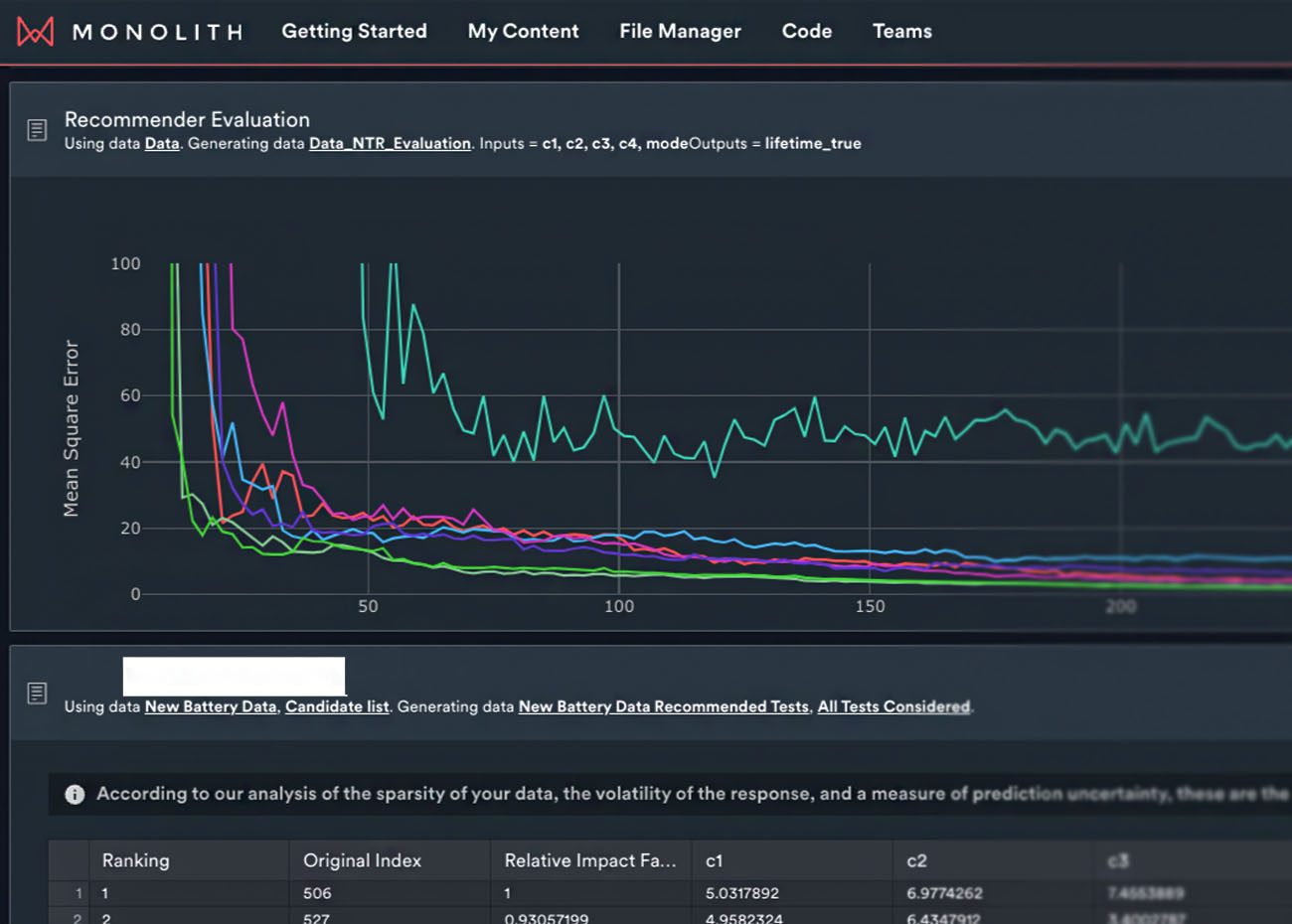
Its Next Test Recommender uses previous test conditions and measured results to suggest additional test points expected to provide useful new information. Its Anomaly Detector highlights unusual tests or sensor channels for engineering investigation.
Best fit: Test and validation teams running expensive, nonlinear or highly multivariable physical-test programs.
What data it needs: Structured test conditions, control parameters, sensor channels and measured outputs from previous tests.
Where physical testing remains: The test bench, wind tunnel, vehicle, battery system or laboratory setup remains the source of measured evidence. Monolith can help improve a test plan, but it does not demonstrate that an untested configuration meets an engineering requirement.
Main limitation: A recommended test point is not a result, and an anomaly score does not identify the physical cause. Engineers must determine whether an unusual value comes from the product, a sensor, calibration, fixture or test procedure.
Monolith reported that beta users of its Next Test Recommender reduced validation tests by 30% to 60%, depending on the efficiency of the original test plan. That is a vendor-reported range rather than a general expectation for every testing program.
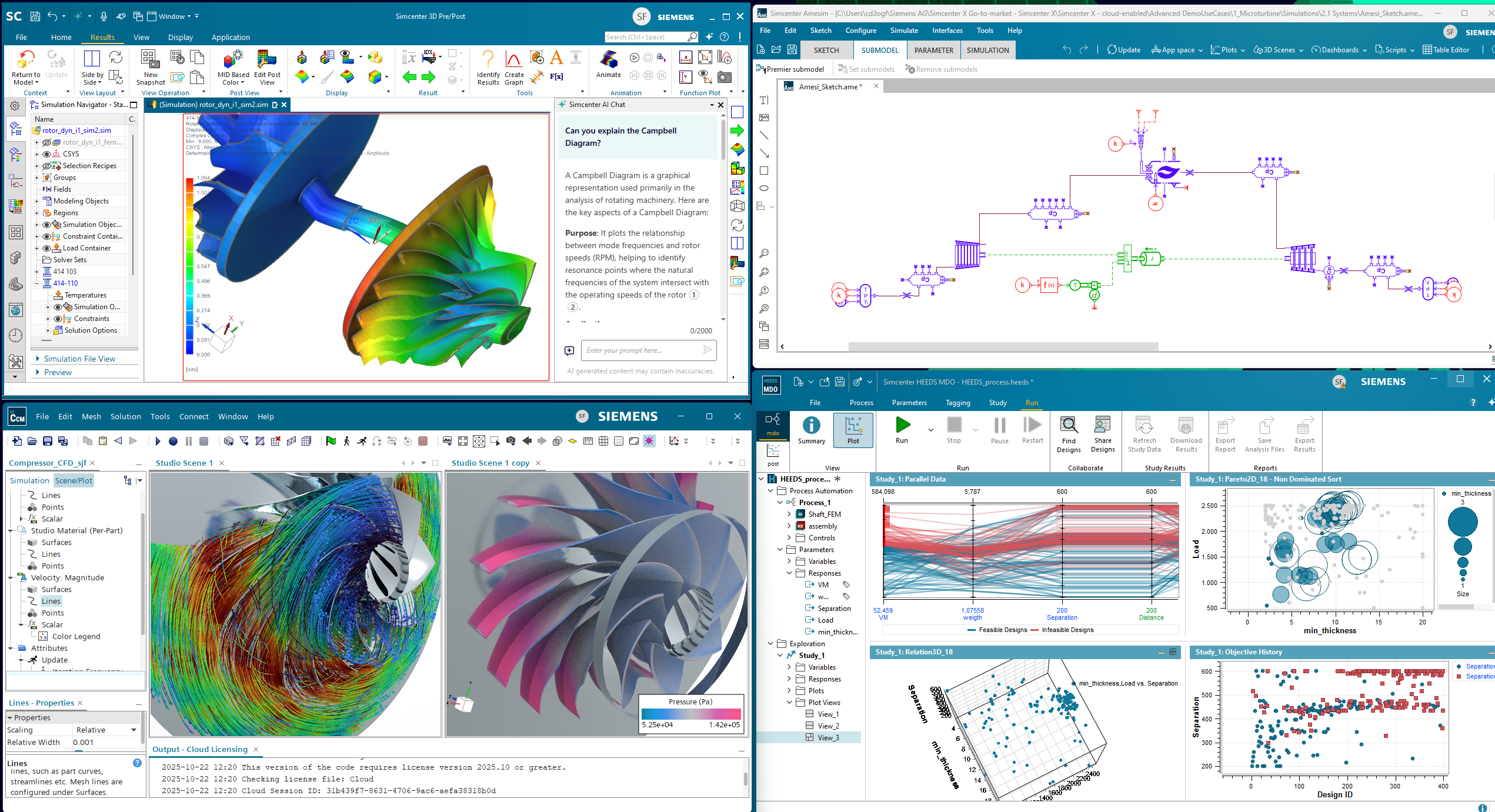
Siemens Simcenter: Best for CFD surrogates and reduced-order models
Siemens offers several distinct simulation capabilities. Simcenter PhysicsAI builds surrogate models from CFD results, while Simcenter Reduced Order Modeling creates faster models from simulation or physical-test data.
Simcenter PhysicsAI is available as an add-on to Simcenter STAR-CCM+. It uses existing or newly generated CFD results to train geometric deep-learning models and predict the performance of new geometries. Engineers can compare those predictions with high-fidelity CFD results inside the same simulation environment. Siemens announced the integrated product on May 27, 2026.
Simcenter Reduced Order Modeling creates static or dynamic models from high-fidelity simulation and test data. These models can support system simulation, controls development, co-simulation and real-time applications such as monitoring or virtual sensing.
Best fit: Organizations already using Siemens simulation products that need CFD surrogate modeling or reduced-order models for dynamic systems.
What data it needs: Existing STAR-CCM+ CFD studies for PhysicsAI, or time-series simulation and physical-test data for reduced-order modeling.
Where conventional simulation remains: STAR-CCM+ and other high-fidelity simulation or testing methods create the reference evidence and remain necessary for verification.
Main limitation: Simcenter is a broad portfolio. Teams must distinguish among high-fidelity solvers, CFD surrogates, reduced-order models, cloud-compute environments and simulation-data systems. Those products address different engineering problems.
Another AI simulation tool to evaluate: Neural Concept
Neural Concept builds, trains and deploys geometry-aware surrogate models using engineering geometry and CAE data. Published applications include structural mechanics, aerodynamics, thermal management, electromagnetics and other simulation domains. The platform can be used to provide rapid performance predictions or support design optimization across a product family.
Neural Concept has also expanded into AI-assisted geometry generation. Teams evaluating it for simulation should distinguish between predicting the performance of geometry and creating new geometry. Those capabilities require different training data and validation processes.
Best fit: Larger engineering organizations that want to turn simulation data into reusable prediction applications for analysts or design engineers.
Main limitation: As with other surrogate-model platforms, the usefulness of a prediction depends on whether the new geometry and operating conditions are represented by the training data. Neural Concept examples include confidence indicators that help identify designs that should be returned to a high-fidelity solver.
What can AI improve in FEA, CFD and engineering analysis?
The clearest use for AI simulation is reducing unnecessary repetition inside a known engineering problem.
A validated surrogate model may help a team:
- Screen design alternatives before running additional high-fidelity simulations
- Estimate stress, temperature, pressure or flow fields for related geometries
- Evaluate more combinations of geometry and operating conditions
- Replace selected solver evaluations inside an optimization study
- Provide preliminary performance feedback earlier in design
- Create faster system models for controls or operational monitoring
These benefits are strongest when engineers repeatedly analyze related components and can define the geometry, loads and operating range the model is expected to cover.
A team developing a novel product with little relevant historical data may gain less from a trained surrogate than a team evaluating many variants of an established product family.
How much simulation data does an AI model need?
There is no universal number of FEA runs, CFD cases or physical tests required to train an engineering model.
The amount and variety of data depend on:
- The number of input variables
- The range of geometry changes
- Whether topology changes
- The nonlinearity of the system
- The number and type of outputs
- The size of the operating envelope
- The required accuracy
- The consequence of an incorrect prediction
A large dataset concentrated around one nominal design may provide less useful coverage than a smaller, deliberately sampled dataset containing important load cases, operating limits and failure regions.
Vendor minimums should not be treated as general engineering rules. SimScale requires at least 20 completed simulation runs for its current workflow, but that threshold does not prove that the runs adequately represent a specific design space.
How should engineers validate AI simulation results?
An AI prediction is reliable enough only for the engineering task and design space for which the model has been tested.
Define the intended use
Determine whether the model will reject weak concepts, rank design alternatives, replace selected solver runs or contribute evidence to a release or safety decision.
The required validation should reflect the consequence of being wrong.
Separate training and validation data
Do not evaluate a model only against cases it has already seen.
Reserve representative geometry, loads and operating conditions for independent testing. Ansys SimAI Pro, for example, automatically separates its supplied simulations into training and test subsets for its evaluation report.
Evaluate engineering outputs, not only one average score
A low average error can hide an unacceptable result at a stress concentration, hot spot, seal interface, flow-separation region or other critical location.
Compare the model with the quantities that control the engineering decision:
- Maximum and localized stress
- Displacement
- Maximum temperature
- Pressure drop
- Flow distribution
- Drag or lift
- Vibration response
- Requirement margin
- Full-field location and shape
Test the limits of the design space
Include geometry and operating conditions near the boundaries of the training population.
Determine how the tool identifies unfamiliar inputs and what happens when the confidence or similarity score is low.
Rerun important cases with the original solver
Use high-fidelity analysis for final candidates, unexpected predictions, requirement limits, new geometry families and safety-critical load cases.
Correlate with physical evidence
A surrogate may reproduce its numerical training data accurately while the original numerical model remains poorly correlated with the physical product.
AI-model accuracy and physical accuracy are separate questions.
Where AI simulation can go wrong
Common failure modes include:
- Sparse or biased training data
- New geometry outside the validated design space
- Incorrect loads, constraints or boundary conditions
- Training data generated from poor meshes or unconverged analyses
- Visually plausible contours that miss an important local result
- Agreement with a solver that has not been correlated with physical testing
- Treating prediction speed as evidence of accuracy
- Losing the CAD revision, configuration or requirement associated with a result
These risks are not unique to AI. Conventional simulation also depends on correct assumptions, geometry preparation and model definition.
AI can increase the risk of false confidence, however, because it produces results quickly and may make simulation output available to people who did not create or validate the original model.
Can AI simulation replace physical testing?
AI simulation can reduce, prioritize or redesign parts of a physical-test program. It cannot universally replace physical testing.
A validated surrogate may eliminate unsuitable concepts before a prototype is built. An active-learning tool may identify the test expected to add the most useful information. A reduced-order model may estimate behavior between conditions already supported by simulation and test data.
Physical testing remains important for:
- Material and manufacturing variation
- Contact, wear and leakage
- Environmental effects
- Sensor and control interactions
- Unexpected failure modes
- Novel operating conditions
- Regulatory or contractual evidence
- Correlation of the analytical model
The goal should not be to eliminate every physical test. Each test should address a defined engineering uncertainty or requirement.
How does AI simulation fit into engineering design review?
AI simulation is most valuable when its results become usable evidence in the broader engineering decision.
A solver or surrogate model can predict how a design may behave under defined loads, boundary conditions and operating conditions. But engineering teams still need to determine whether the assumptions are appropriate, whether the result meets the requirement and what should change in the design.
CoLab gives simulation, design, manufacturing, quality and other subject-matter experts a shared environment to review that evidence against the correct CAD revision. Teams can capture findings, assign required changes, resolve questions and preserve the rationale behind approval or rejection.
That review may include questions such as:
- Were the correct load cases and operating conditions evaluated?
- Are the materials, contacts and boundary conditions representative?
- Was the mesh adequate, and did the numerical solution converge?
- Is an AI prediction within its validated design space?
- Does the result meet the applicable engineering requirement?
- Which CAD revision and product configuration were analyzed?
- What design change or additional validation is required?
This is how simulation fits into the broader engineering-AI workflow. Generative tools may propose geometry. Physics AI may predict performance. Automated review tools may identify drawing, model or standards issues. Engineers still need a structured process for weighing that evidence and making an accountable design decision.
A structured engineering design review keeps the analysis, findings and resulting decisions connected to the design being reviewed. As AI increases the volume and speed of engineering output, that connection becomes more important: teams need to know which results were accepted, which were challenged and what evidence supported the final decision.
For AI-created geometry specifically, see CoLab’s guide to validating AI-generated designs. To compare simulation with automated CAD and drawing review, see AI design-review tools.

Frequently Asked Questions
Can AI replace FEA or CFD solvers?
AI surrogate models can replace selected solver runs within a validated design and operating range. They do not universally replace finite element analysis or computational fluid dynamics solvers. Conventional solvers remain necessary to generate reference data, investigate unfamiliar physical behavior and verify important predictions.
What is the difference between a physics solver and an AI surrogate model?
A physics solver calculates results from governing equations, numerical methods and a defined engineering model. An AI surrogate learns relationships from previous simulation or physical-test results and predicts outputs for new inputs. Surrogates are generally faster, but their reliability is limited to the design space represented in their training data.
How much simulation data is needed to train an AI model?
There is no universal minimum. The requirement depends on the number of variables, range of geometry changes, system nonlinearity, requested outputs and required accuracy. Coverage of the relevant design and operating space is more important than the total number of simulation runs.
How should engineers validate AI-predicted simulation results?
Engineers should use separate training and validation cases, compare critical local and global outputs, test inputs near the limits of the design space and rerun important cases with the original solver. Results used for release, compliance or safety decisions should also be correlated with applicable physical-test evidence.
How should AI simulation results feed into engineering design review?
Simulation results should be reviewed against the applicable requirements, assumptions, load cases and CAD revision before they support a design decision. CoLab gives simulation, design, manufacturing, quality and other engineering stakeholders a shared environment to review the evidence, record findings, assign required changes and preserve the rationale behind approval or rejection.