The AI drawing checker for error-free releases
AutoReview knows how to read engineering drawings — so it can apply your internal standards, catch cross‑sheet issues, and leave clear, trackable feedback with zero prompting.
AI agents that review drawings like a seasoned engineer
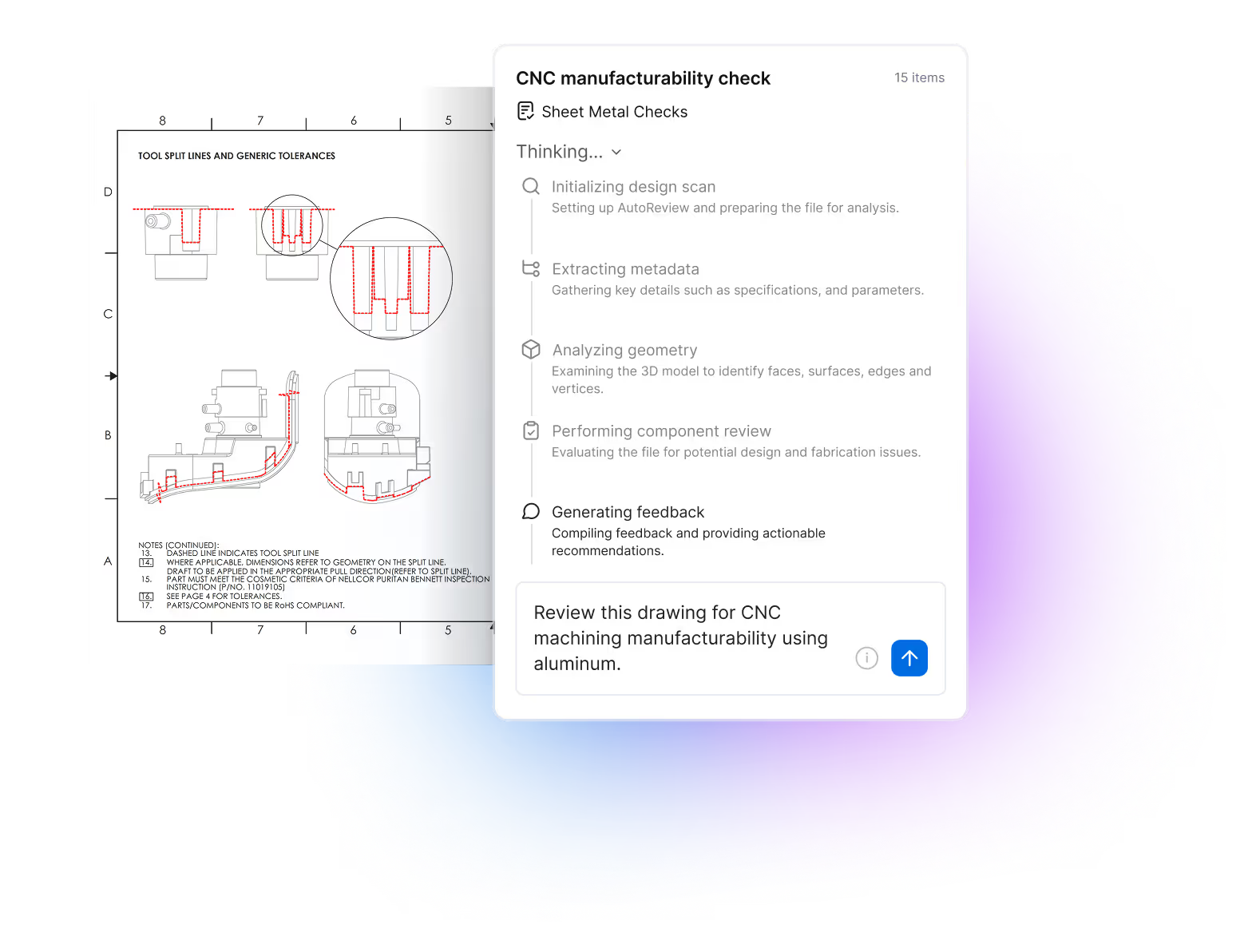
Before AI can give useful feedback, it needs to understand how drawings work. CoLab goes beyond generic image recognition, guiding AutoReview with system-level prompts based on how real engineers review drawings. AutoReview understands what different elements of a drawing mean, the order they should be reviewed in, and how to cross-check details for consistency.
Auto-generated markups, tracked as issues
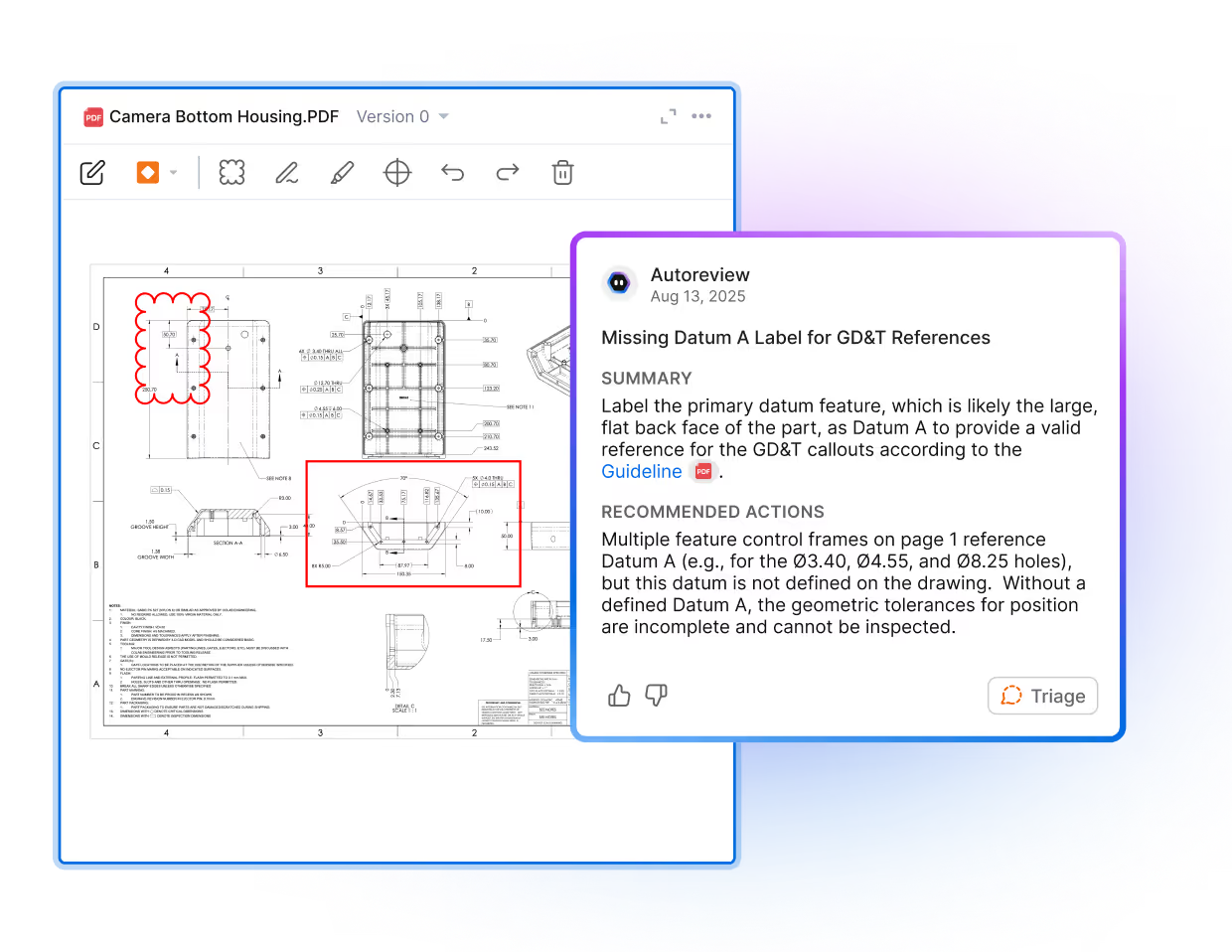
When AutoReview finds a problem, it adds a clear, visual markup — with arrows, clouds, or text callouts that draw attention to the relevant area of the drawing. Each markup is automatically tracked as a review issue. You can assign it to an owner, update its status, and close it out when resolved — so nothing slips through the cracks.
Detect cross-sheet and multi-view inconsistencies
AutoReview analyzes drawings as a complete package — not just one page at a time. It connects metadata, callouts, and revision data across sheets to catch inconsistencies and errors that are easy for a human checker to miss.
.avif)
.avif)
Apply standardized or custom checklists
Guide reviews with out-of-the-box or custom drawing checklists. AI will evaluate each checklist item, so you can flag it as passed, failed or needs review. Now, reviews can be consistent, repeatable and fast — and always done with a human in the loop.
Cite relevant standards and guidelines
You can upload your company’s design standards and guidelines to AutoReview, regardless of what format they’re in. AutoReview can figure out which guidelines apply to a given review, based on the part and the checklists you select. When generating annotations, AutoReview will cite your design standards to create specific, actionable feedback.
.avif)
Want to try AutoReview on your own drawings?