

CoLab + Creo
Send design files from Creo to a dedicated review environment without exporting, packaging, or checking in.
Review the design in Creo or your browser
PLM integrations only help once a file is mature enough to check in. The Creo plugin covers everything before that — work-in-progress models that need a second set of eyes today, not next week.


Windchill revisions stay in sync
Models opened in Creo from a Windchill PDMLink or ProjectLink workspace upload to CoLab with the correct revision and iteration metadata. CoLab reflects the same state your PLM does.
The file types Creo engineers actually work in
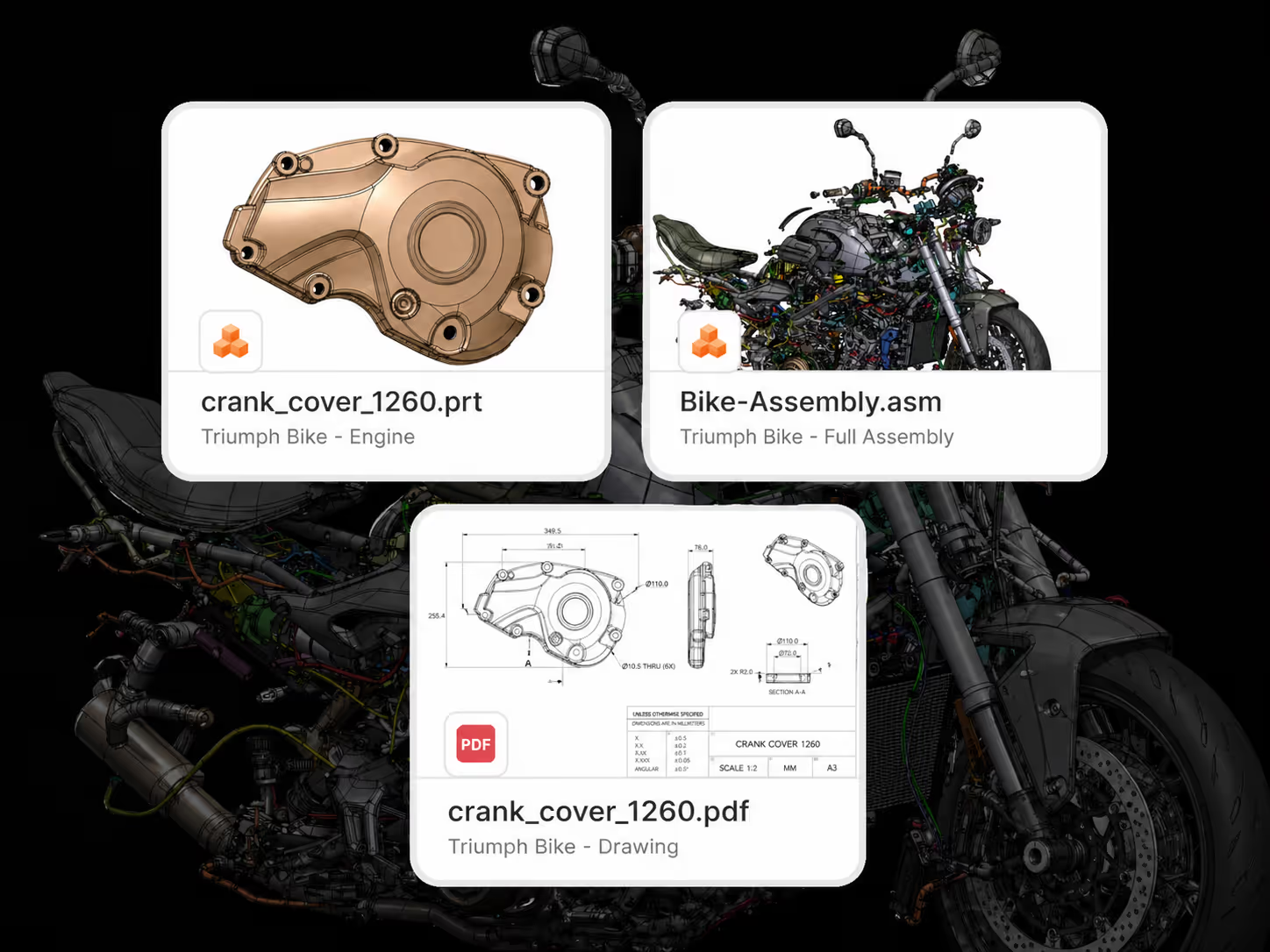
Parts (.prt) upload as-is. Assemblies (.asm) upload with all component parts. Drawings (.drw) convert to PDF. Family Tables are supported, including nested ones and assemblies that contain Family Table parts.
Frequently Asked Questions
What's required to use the integration?
Creo Parametric 8.0.1 or above (builds for 8, 9, 10, 11, 12), Windows, and a CoLab license per user.
Is there a server-side install?
No. The plugin is a per-user desktop install, deployable through your standard endpoint tooling.
Will it conflict with existing Creo customizations?
No. It registers through Creo's standard
config.pro mechanism and adds a single CoLab button to the ribbon.What gets shared?
Native part and assembly geometry, all referenced child components, drawings (as PDF), Family Tables, PMI annotations, and standard file metadata. Files originating from Windchill carry their revision and iteration metadata with them.
How does authentication work?
Browser-based OAuth, once per Creo session. SSO via SAML 2.0 is supported.
How does this work with the Windchill integration?
They're complementary. Windchill handles checked-in files for formal reviews; the Creo plugin handles everything before that. Most PTC customers run both.