
CoLab + NX
Send design files from NX directly to CoLab. No manual STEP or JT export, no check-in required.
Make it easier for your parters to review with you
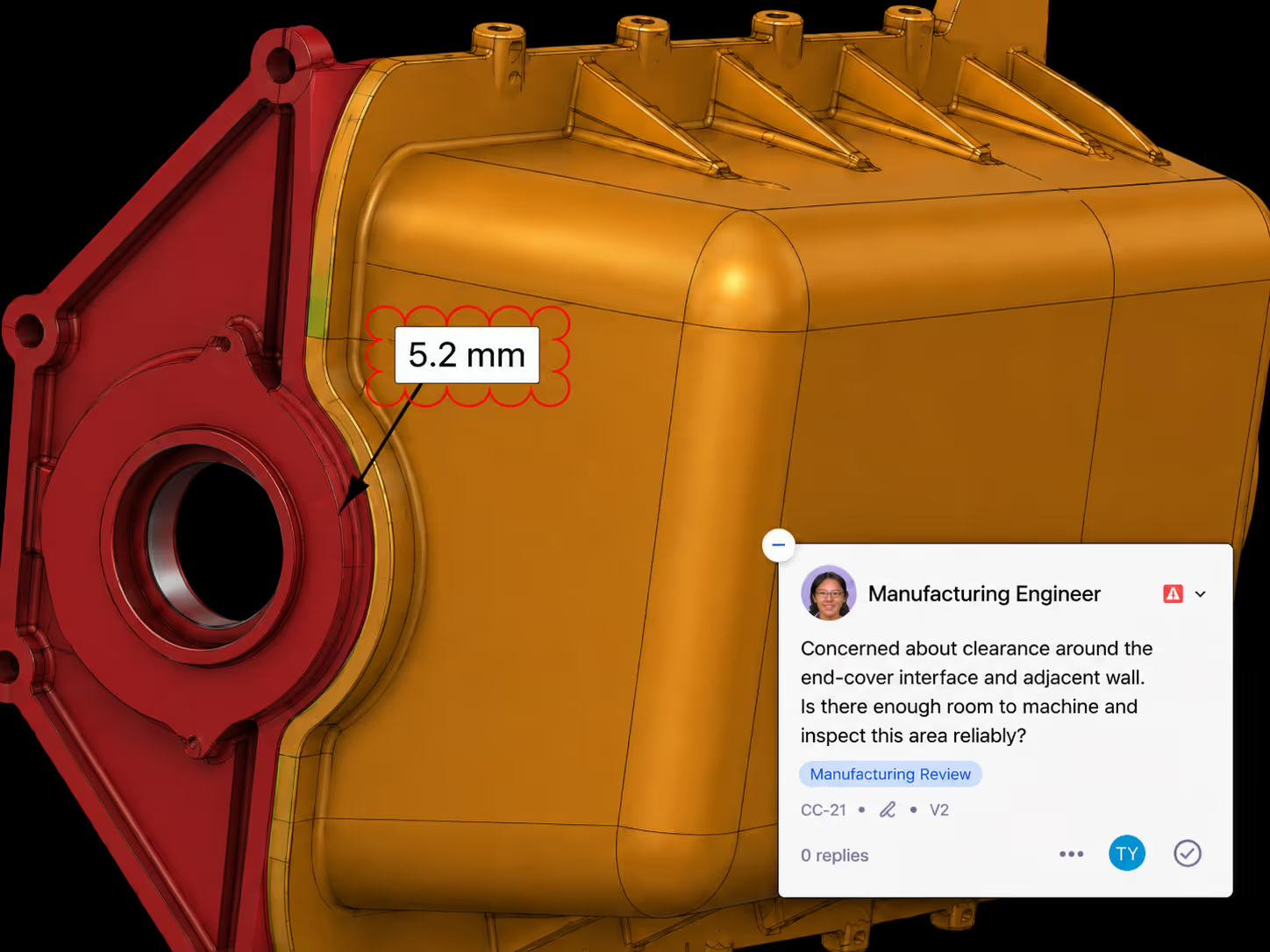
Reviewing with suppliers and customers usually means exporting files and emailing them back and forth. One click from the NX menu sends the part or assembly to CoLab, where everyone reviews together in the browser.
Teamcenter revision data carries through
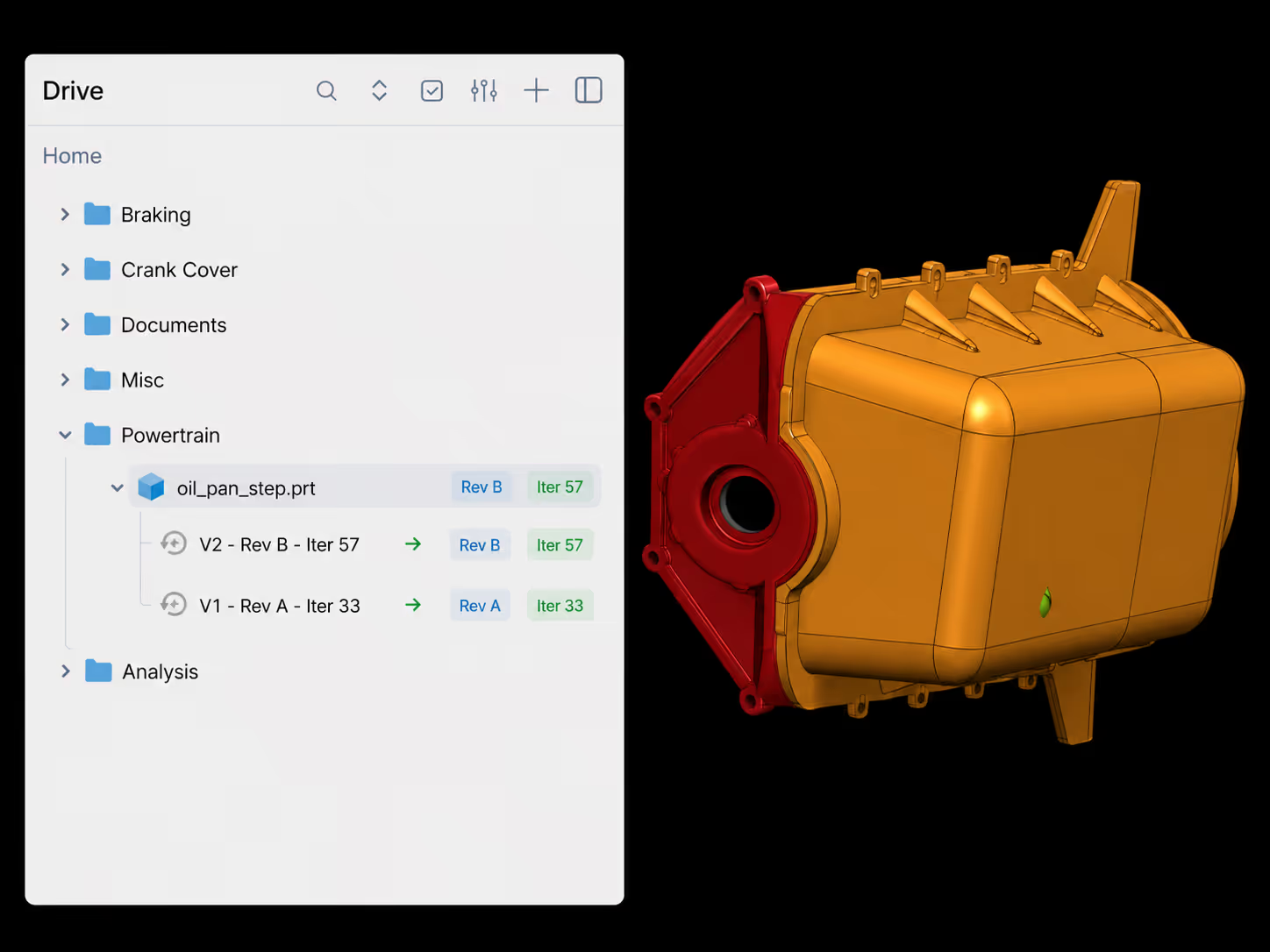
Models opened in NX from a Teamcenter session upload to CoLab with the correct revision and iteration metadata, so the review is tied to the right version. Non-managed files upload as standalone parts.
Support for all NX file formats
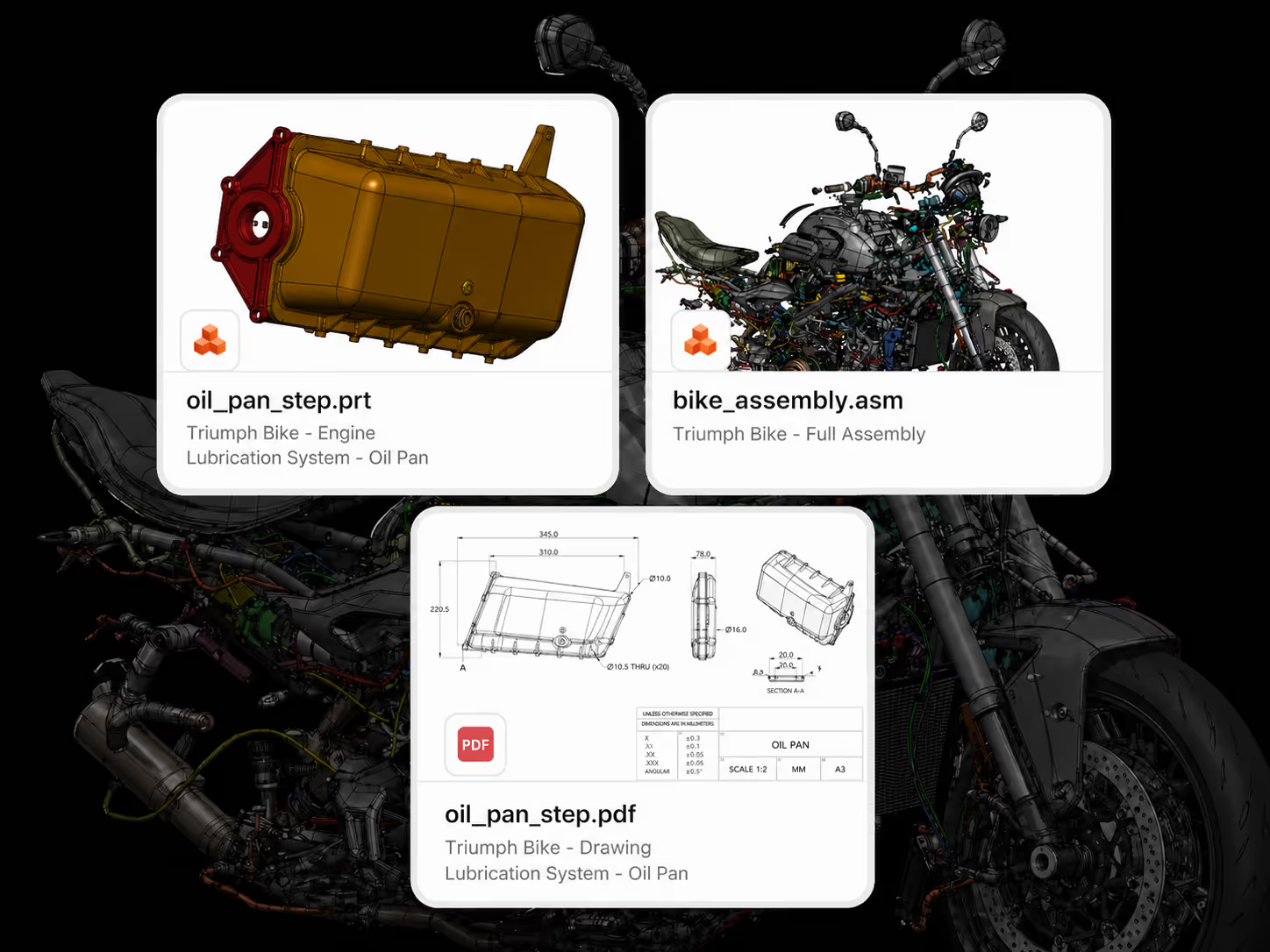
The integration handles parts, assemblies, and drawings. Parts upload as-is. Assemblies upload with their referenced components. Drawings convert to PDF, with PMI carried across whether it lives in the model's part file or a separate one.
Frequently Asked Questions
What's required to use the integration?
Siemens NX 1980 or newer. Windows, and a CoLab account for each user. The integration is built and packaged per NX major version, so you download the package that matches your NX version rather than a single universal build.
How is it installed?
A per-user desktop installer. Once it's installed, launch NX the way you normally do, from the desktop icon or from Teamcenter, and the CoLab ribbon is there. There's nothing to turn on inside NX.
Will it conflict with my existing NX customizations?
No. It registers through NX's standard customization mechanism, a custom directory NX discovers at startup, and adds a single CoLab button to the ribbon. It runs alongside your existing menus and tools rather than replacing them.
What gets shared when I upload?
In NX, parts, assemblies, and drawings are all .prt files, and the plugin handles all three. Parts upload as-is, assemblies upload with their referenced components (the plugin traverses the assembly tree and stages every referenced component), and drawings are converted to PDF on upload. Family table instances are supported. It works whether the model is local (native) or opened from Teamcenter (managed).
Does it work with Teamcenter?
Yes. Whether you launch NX from Teamcenter and work in managed mode, or work with local files in native mode, you can push the active model straight to CoLab. For managed parts, the plugin reads the part number and revision from the loaded part and stages a local copy before upload.